Cisco Unified Communications Manager (CUCM)
Installation on Proxmox (KVM)
Create a new Proxmox VM. CUCM expects a very specific hardware configuration when using VMWare. We are not using VMWare, so we will try to closely emulate the supported configuration with some minor changes for improved performance.
Ensure the following settings are set:
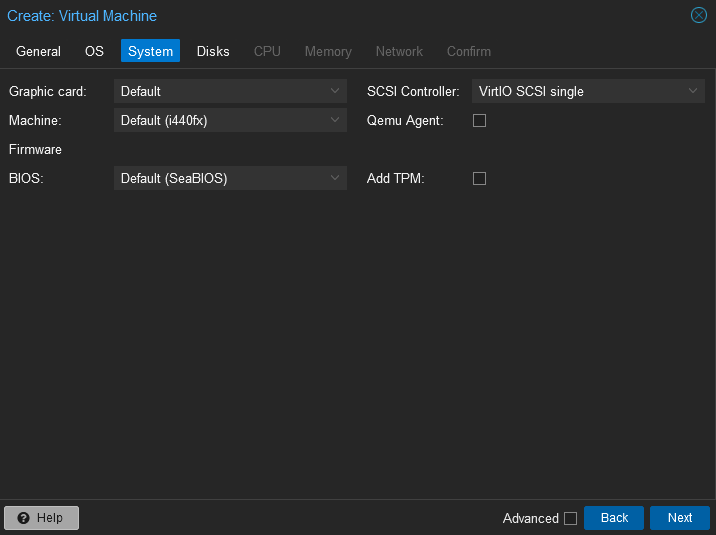
- System -> Machine = i440fx
- System -> BIOS = SeaBIOS
- System -> SCSI Controller = VirtIOS SCSI single

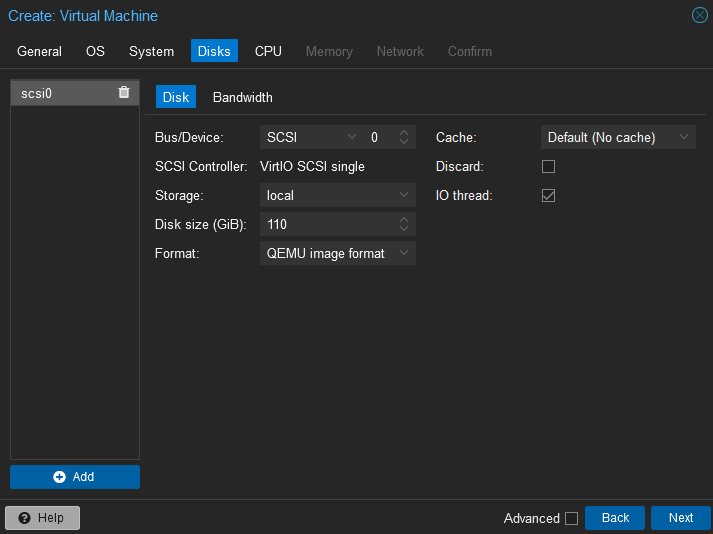
- Disks -> Bus/Device = SCSI (0)
- Disks -> Disk size (GiB) = 110

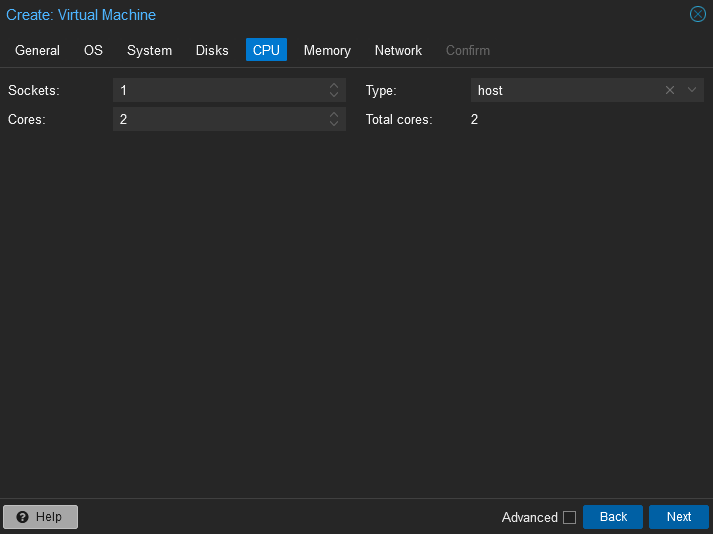
- CPU -> Cores = 2 (or 4)
- CPU -> Type = host

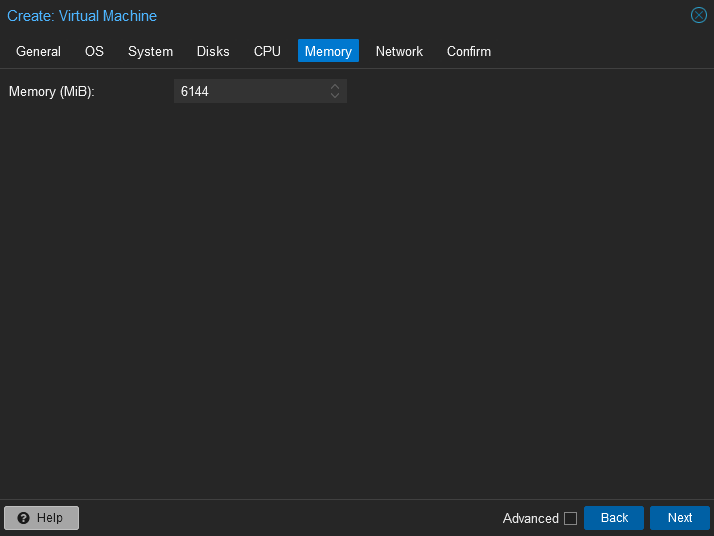
- Memory -> Memory (MiB) = 6144 (or 8192)

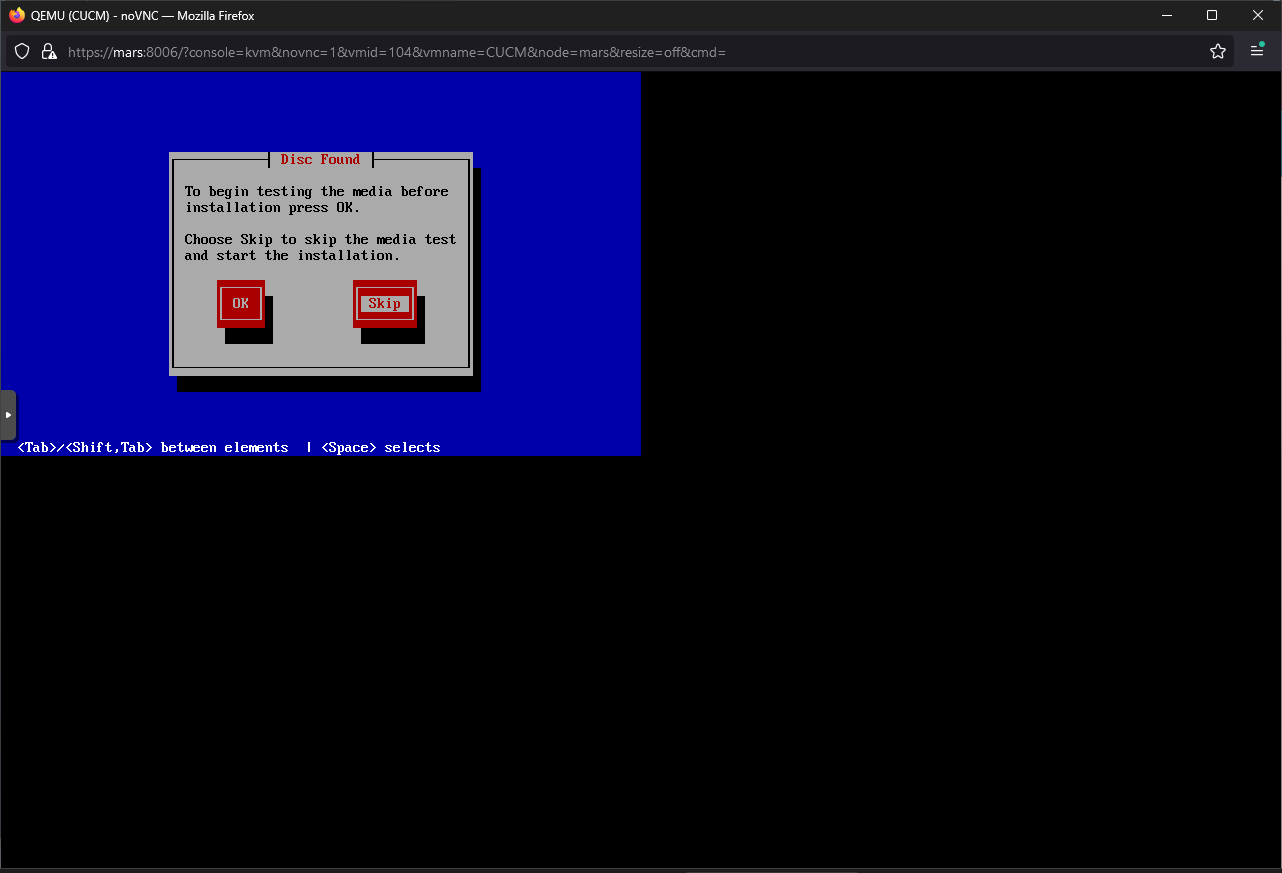
Skip
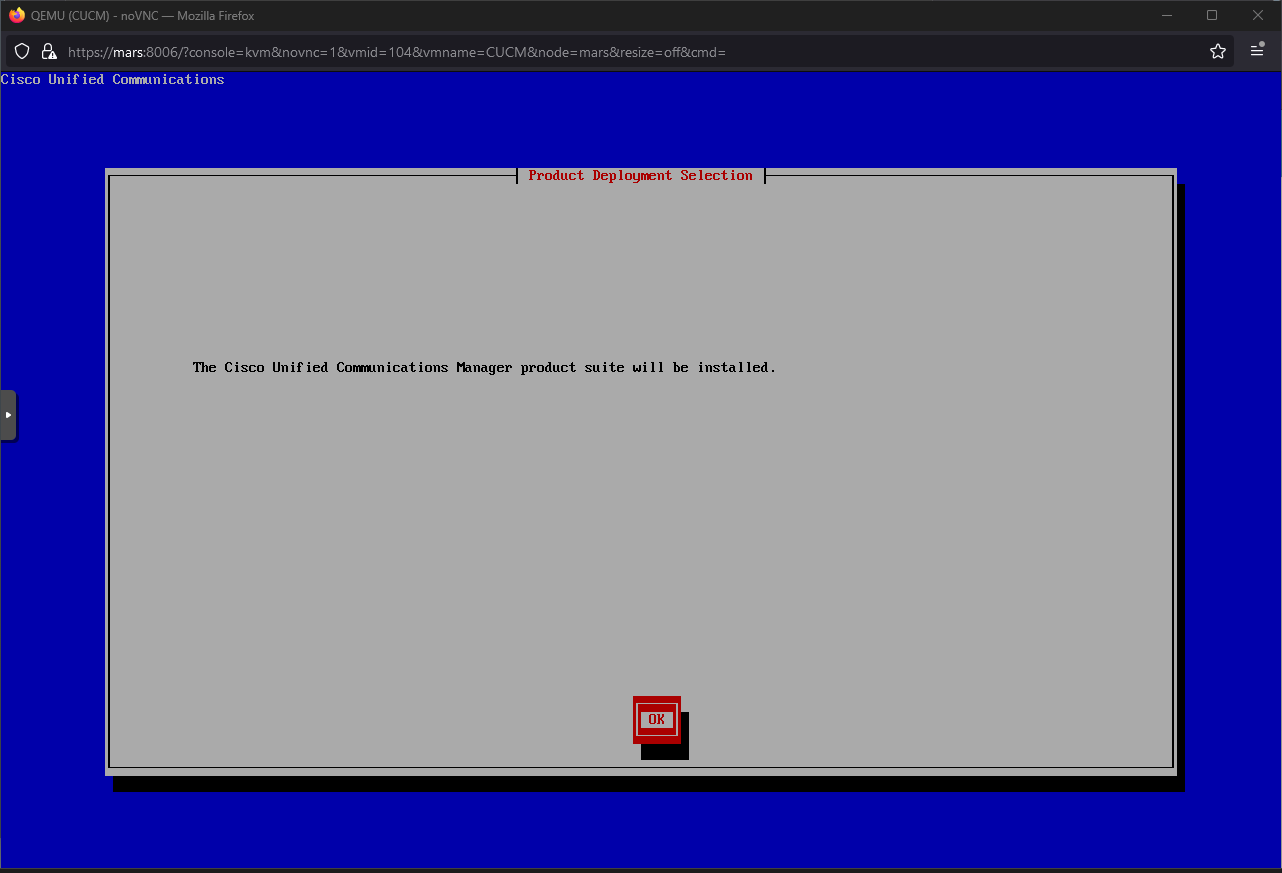
 Ok
Ok
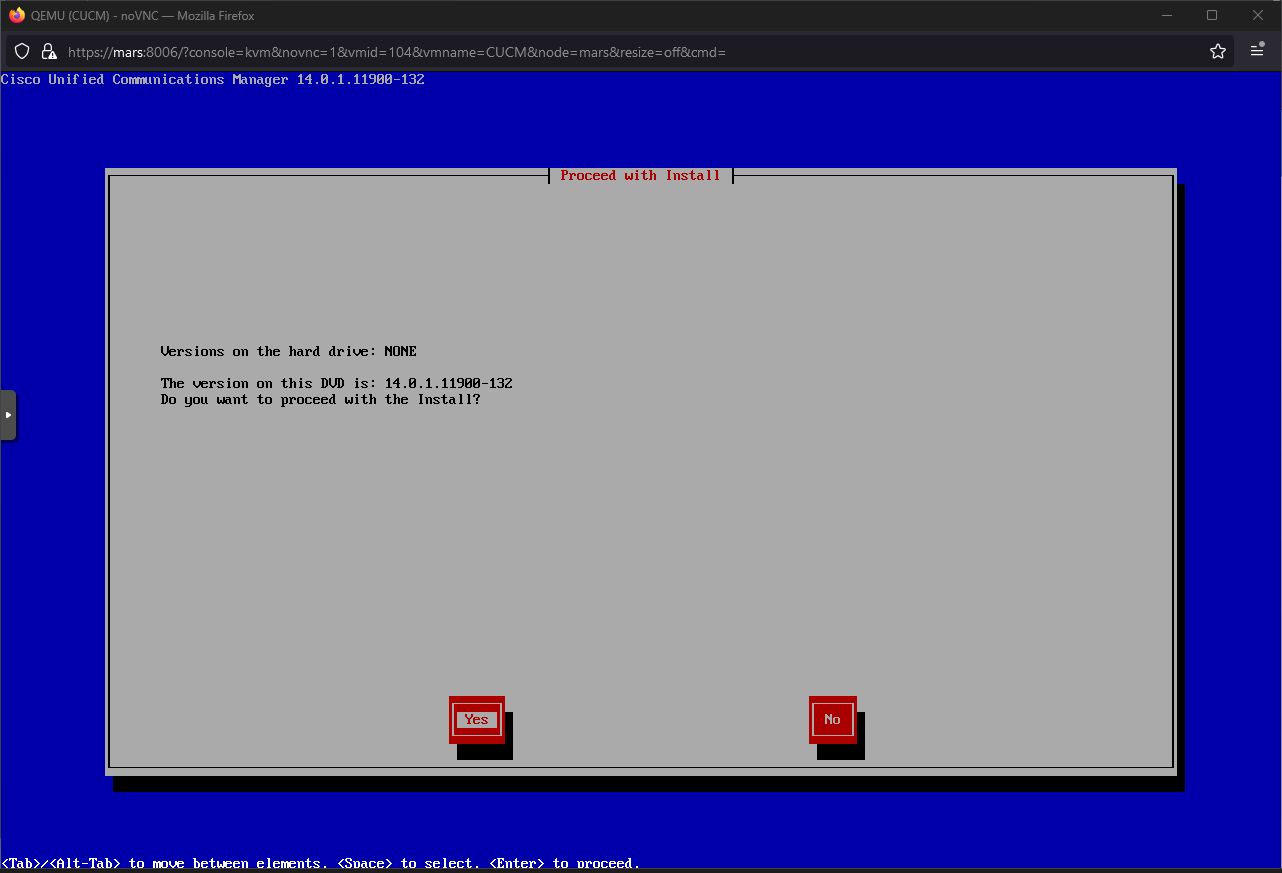
 Yes
Yes
 Proceed
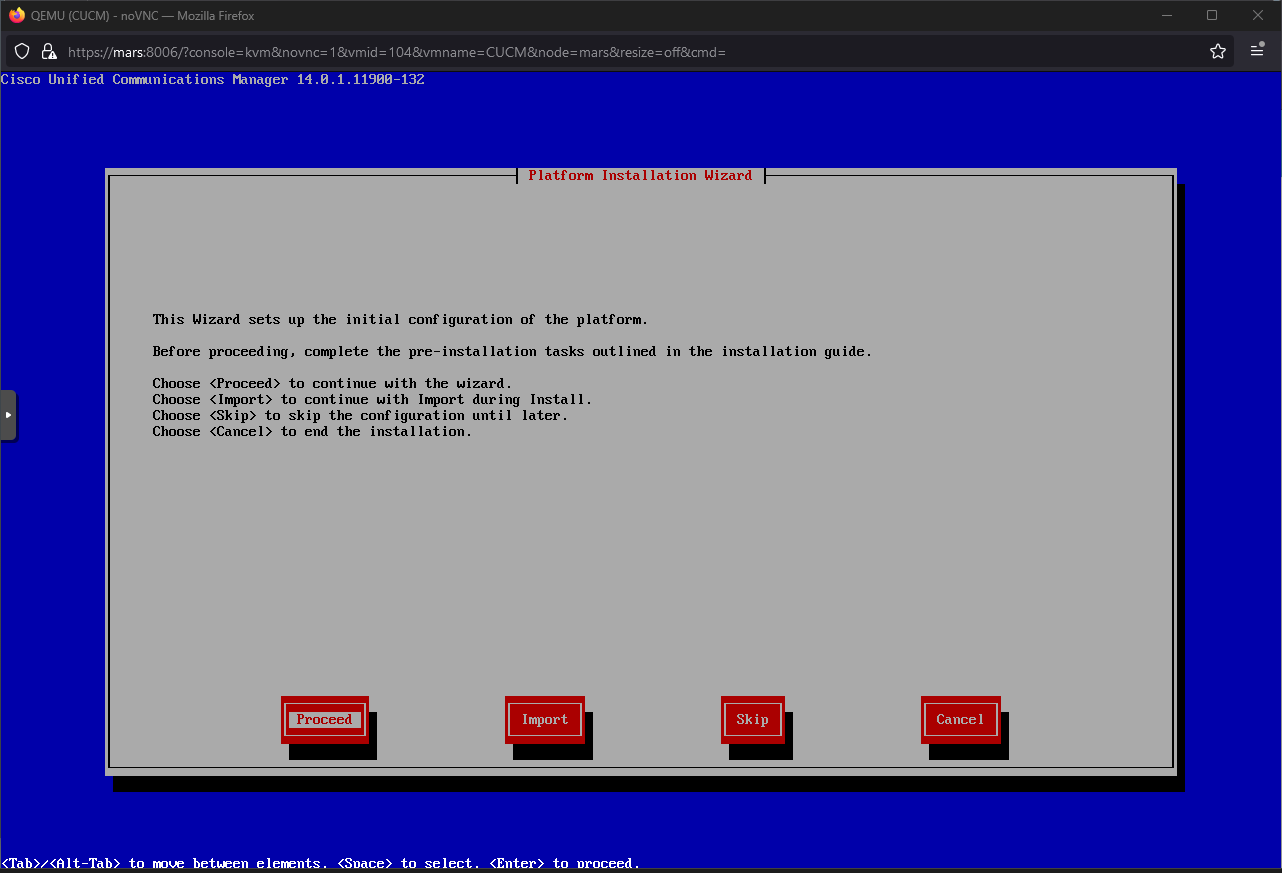 No
No
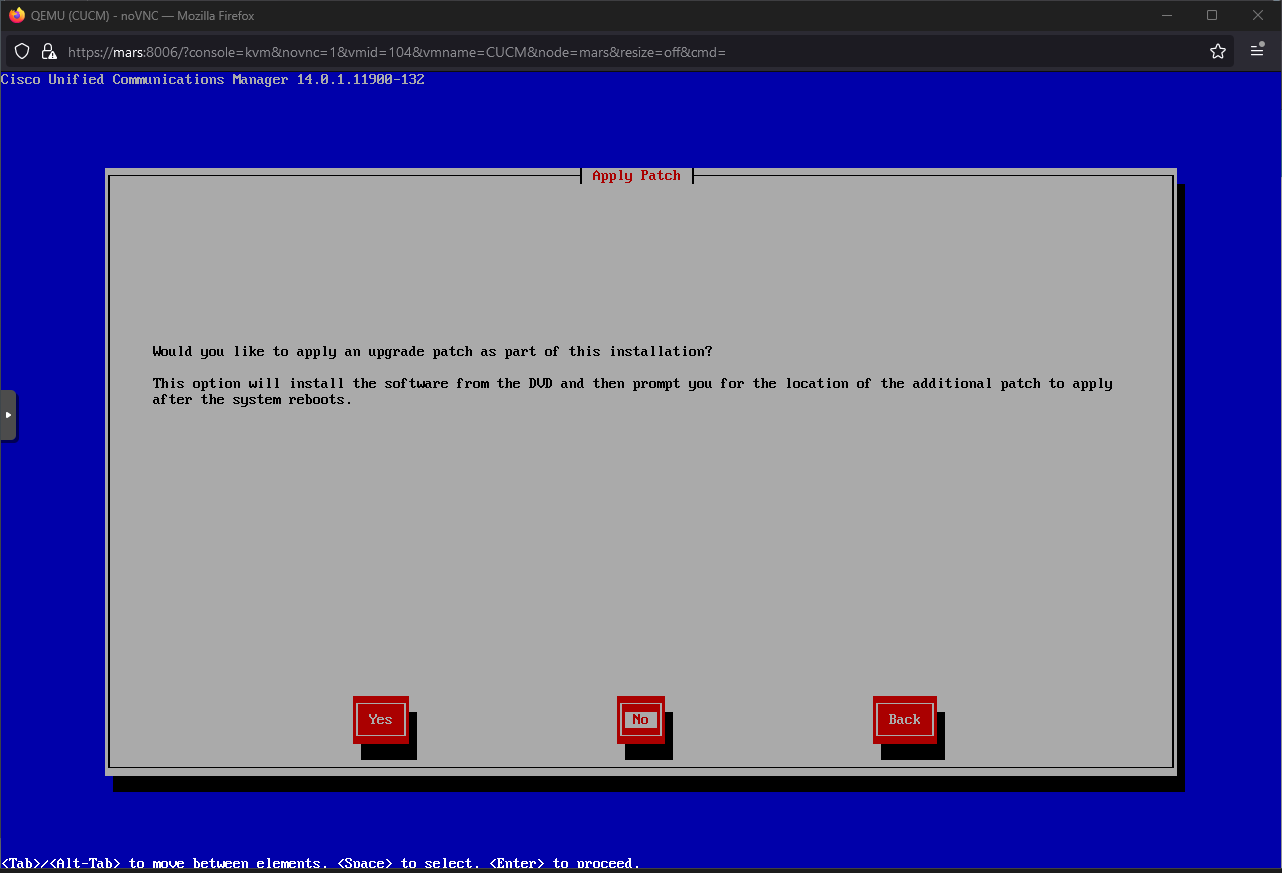 Continue
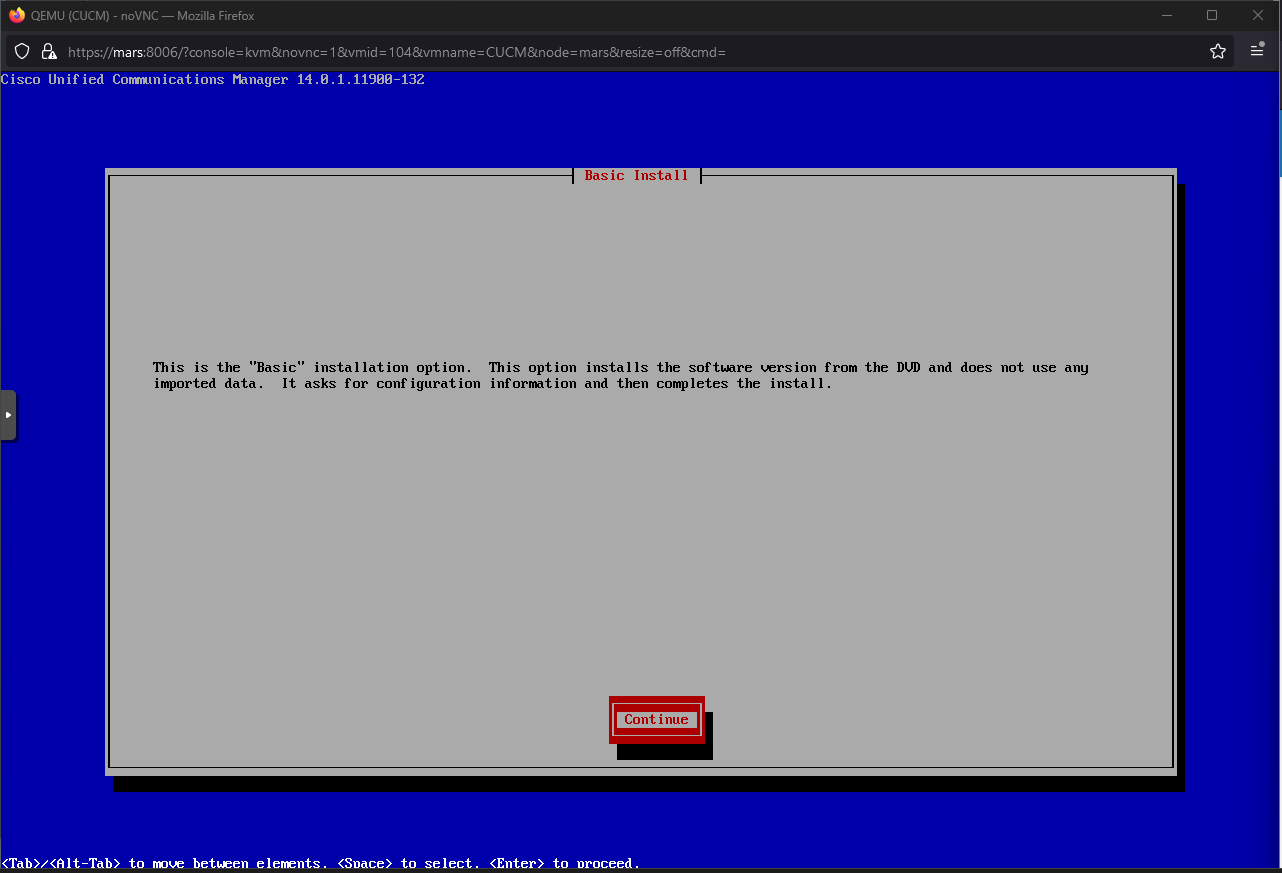 Europe/London -> OK
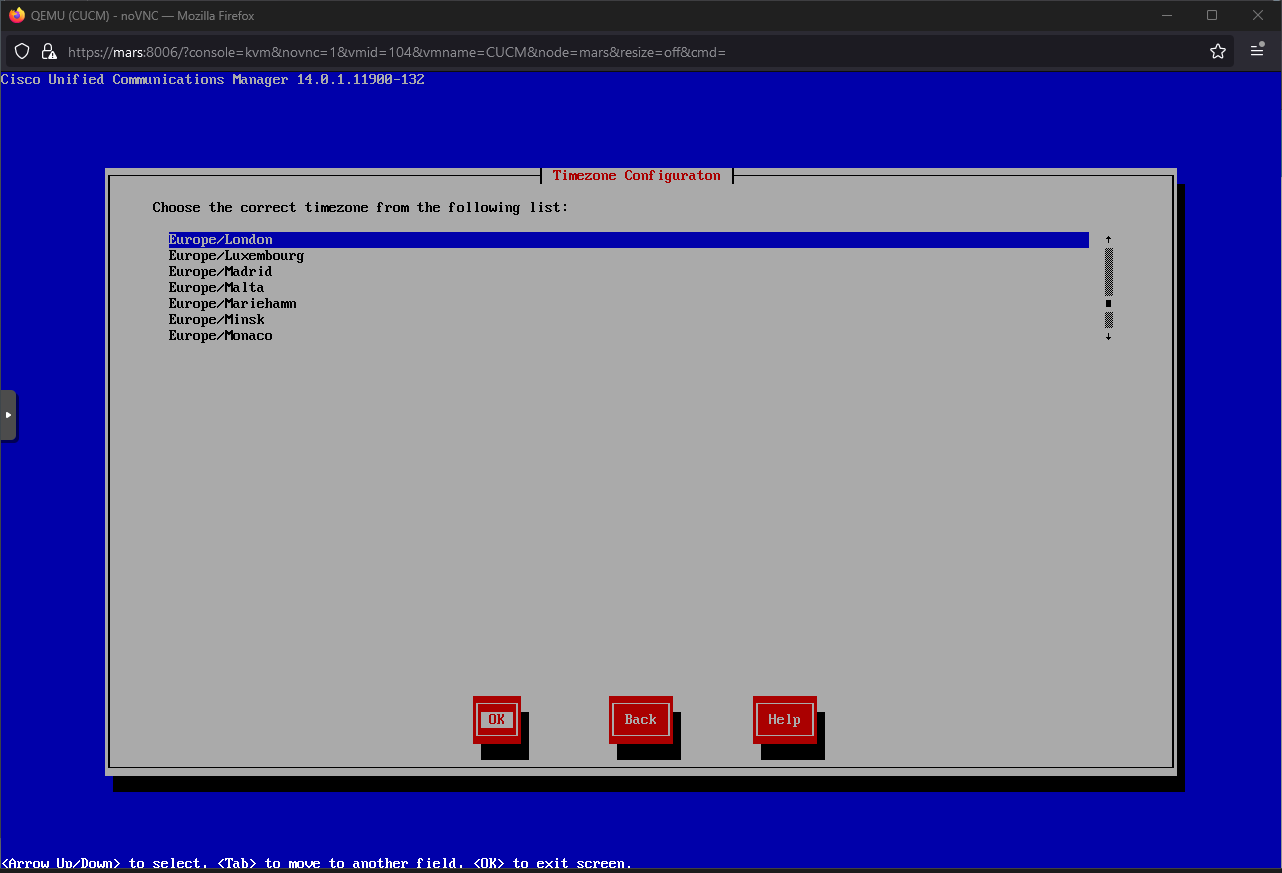 Yes
Yes
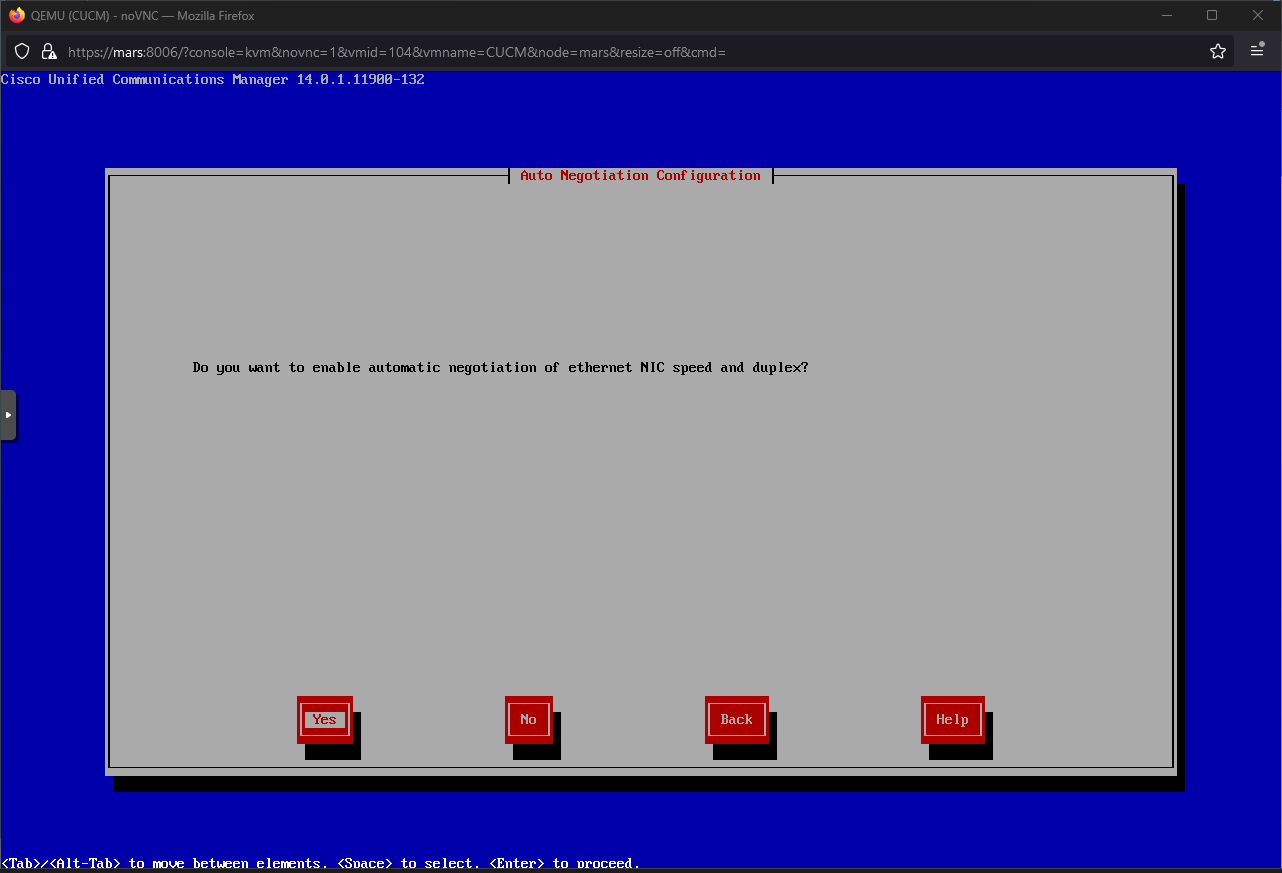 No
No
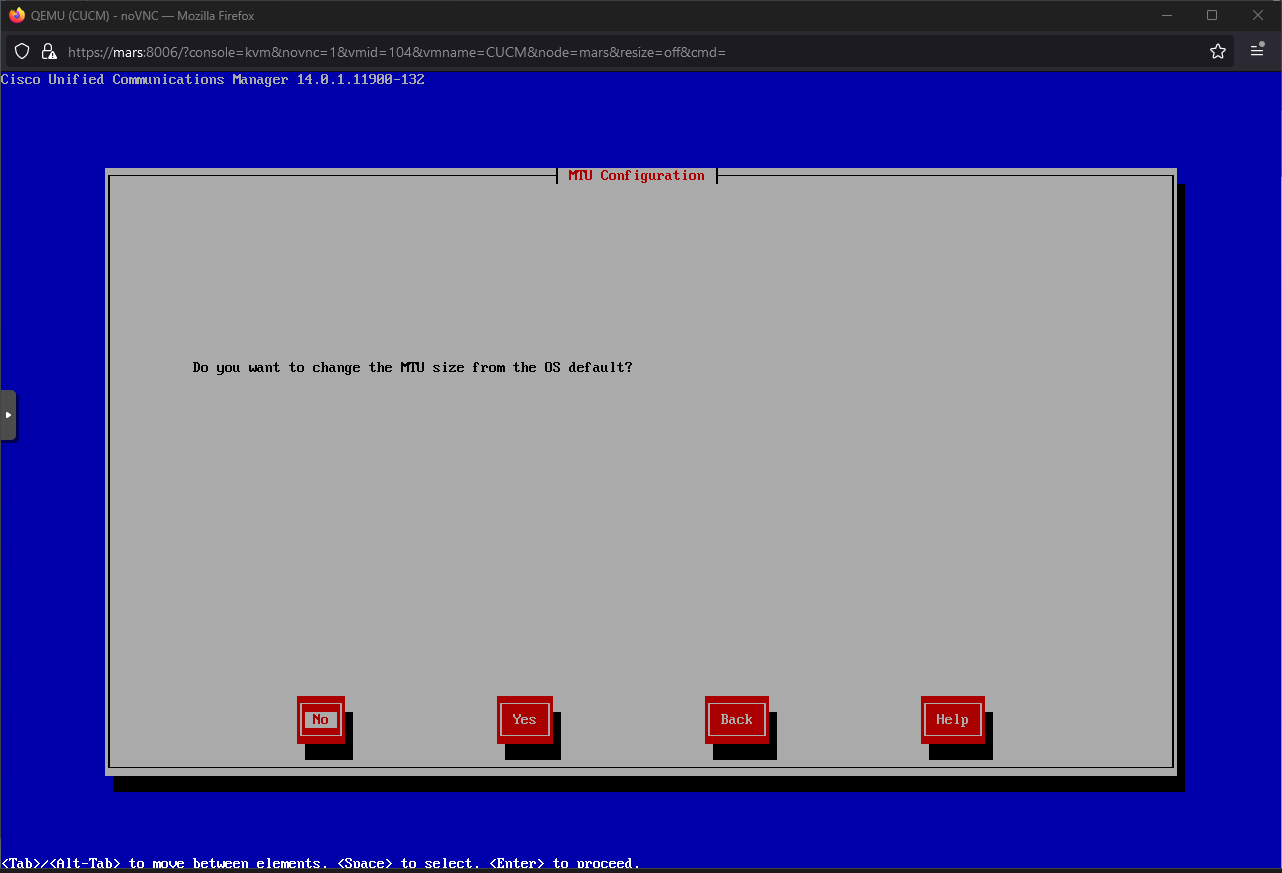 No
No
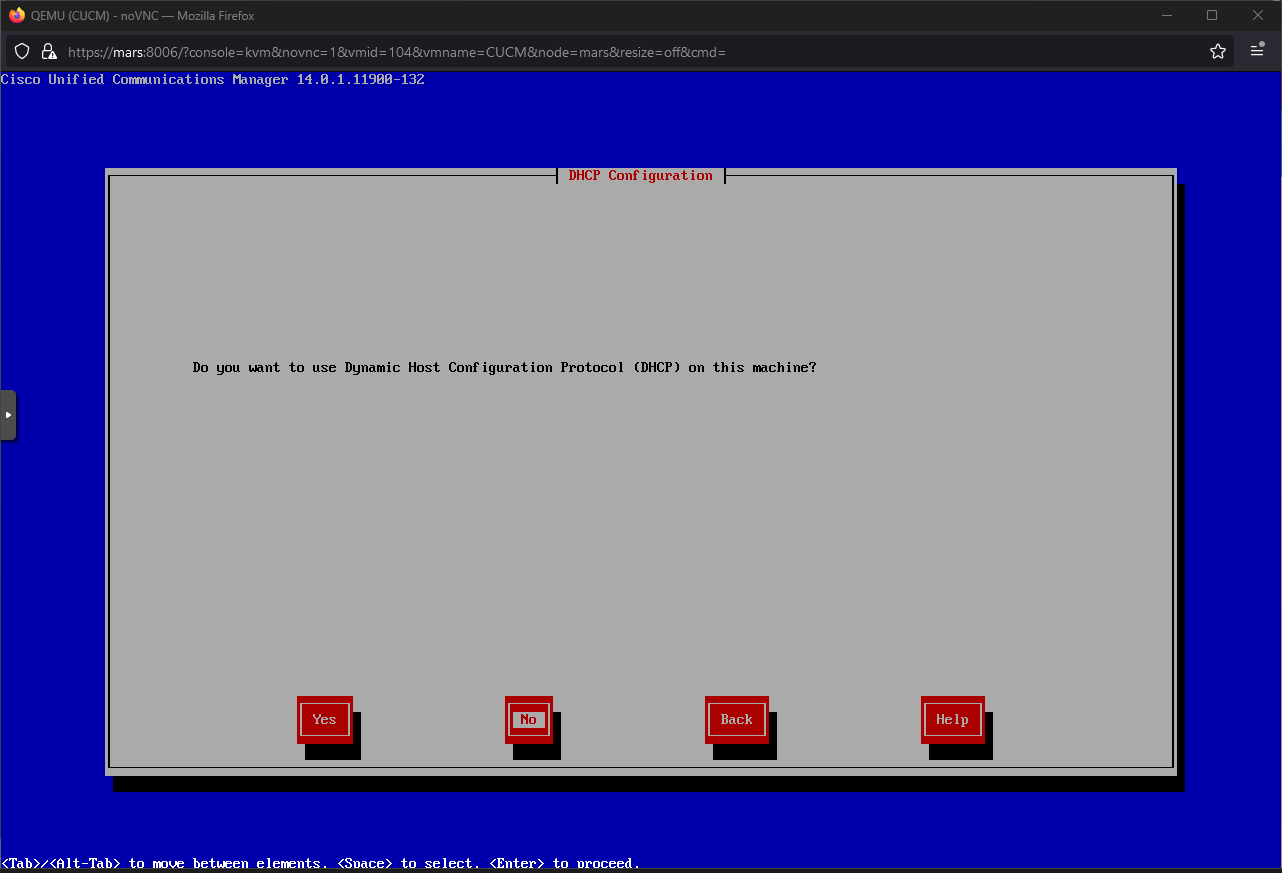 Configure network manually -> OK
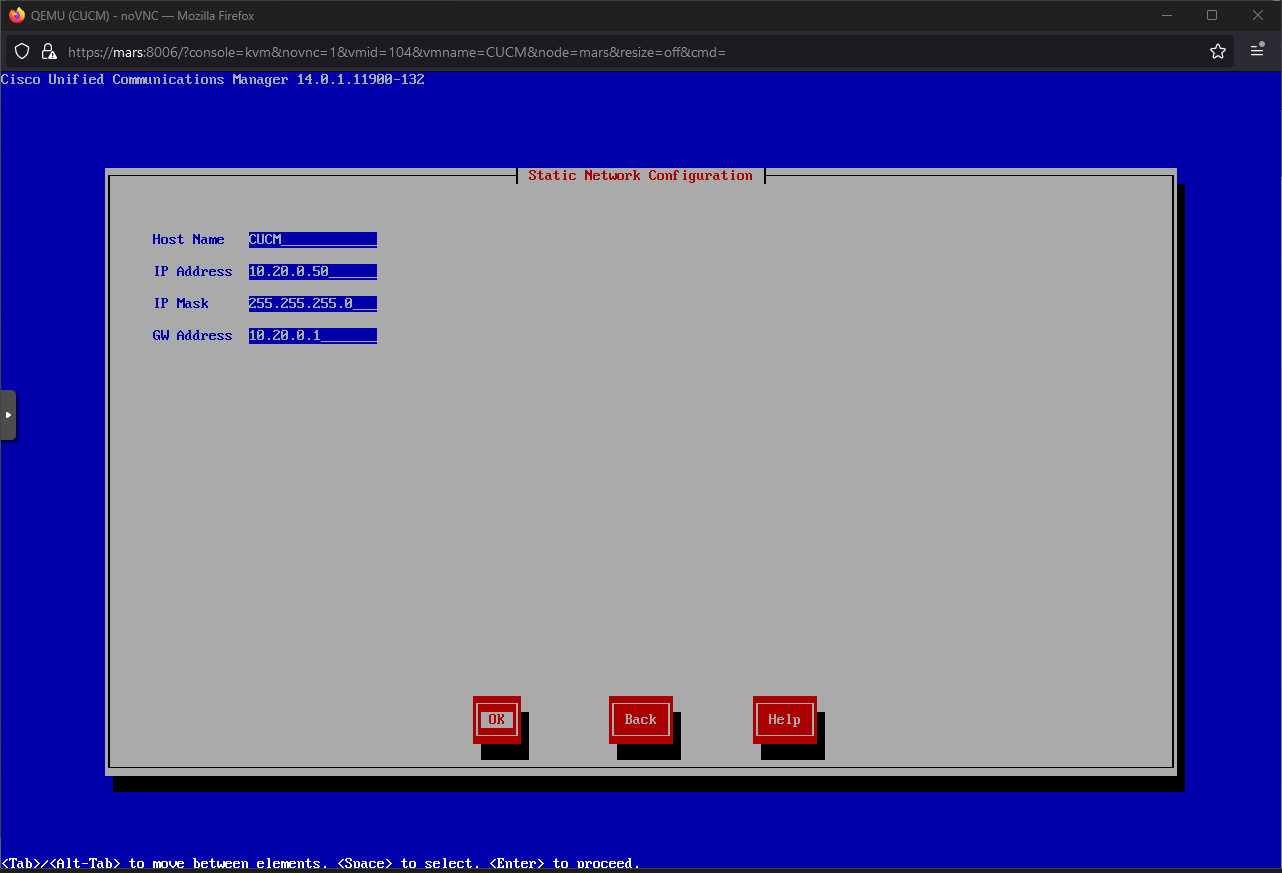 No
No
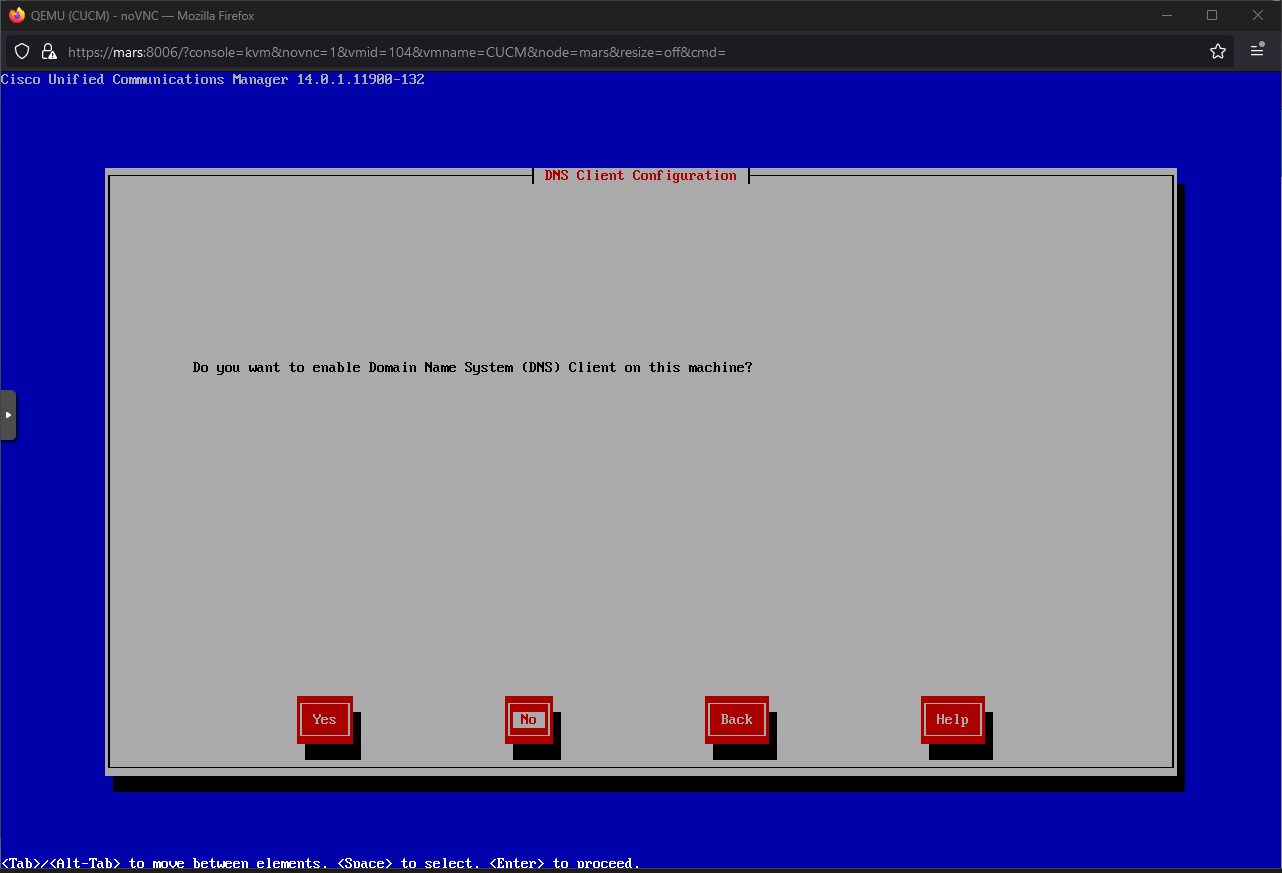 Configure credentials -> OK
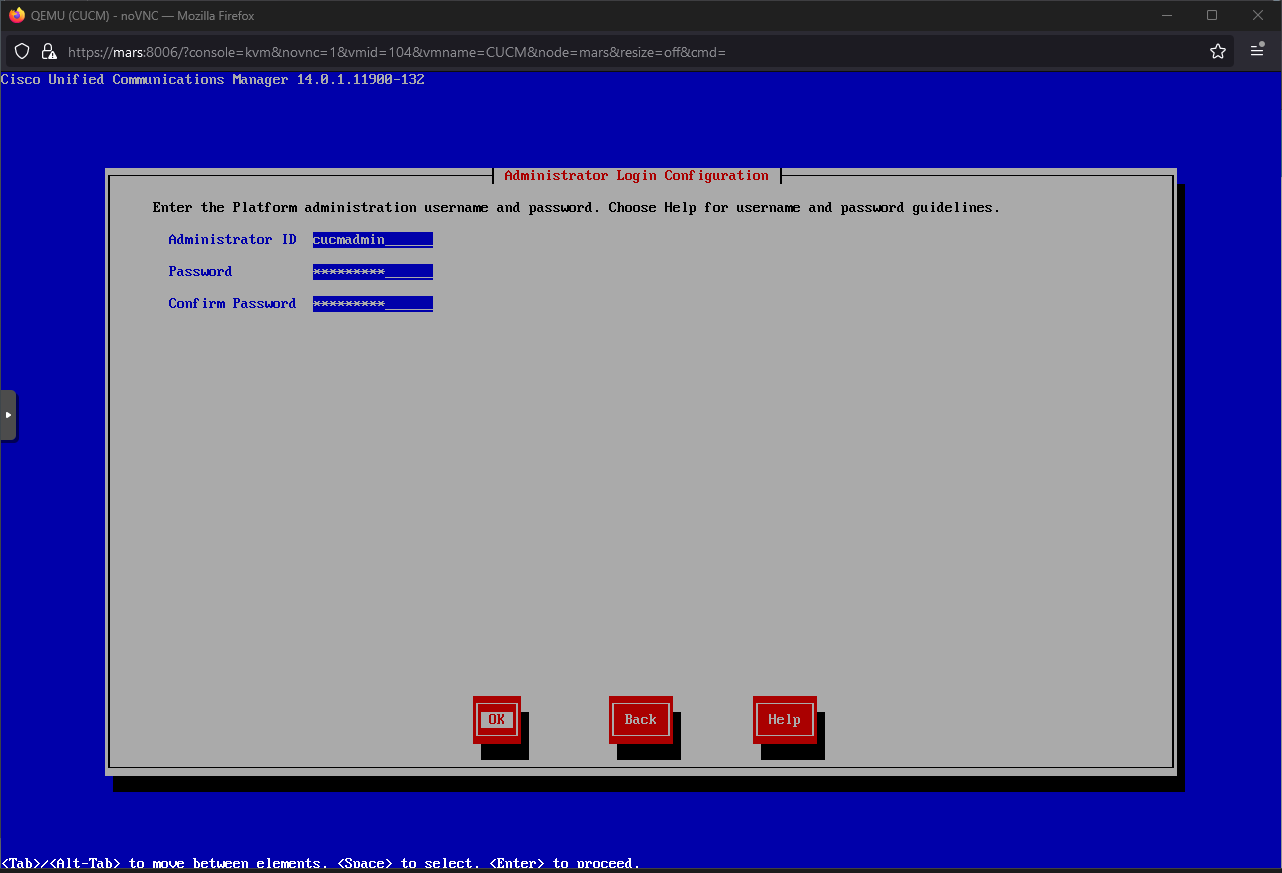 Configure cert -> OK
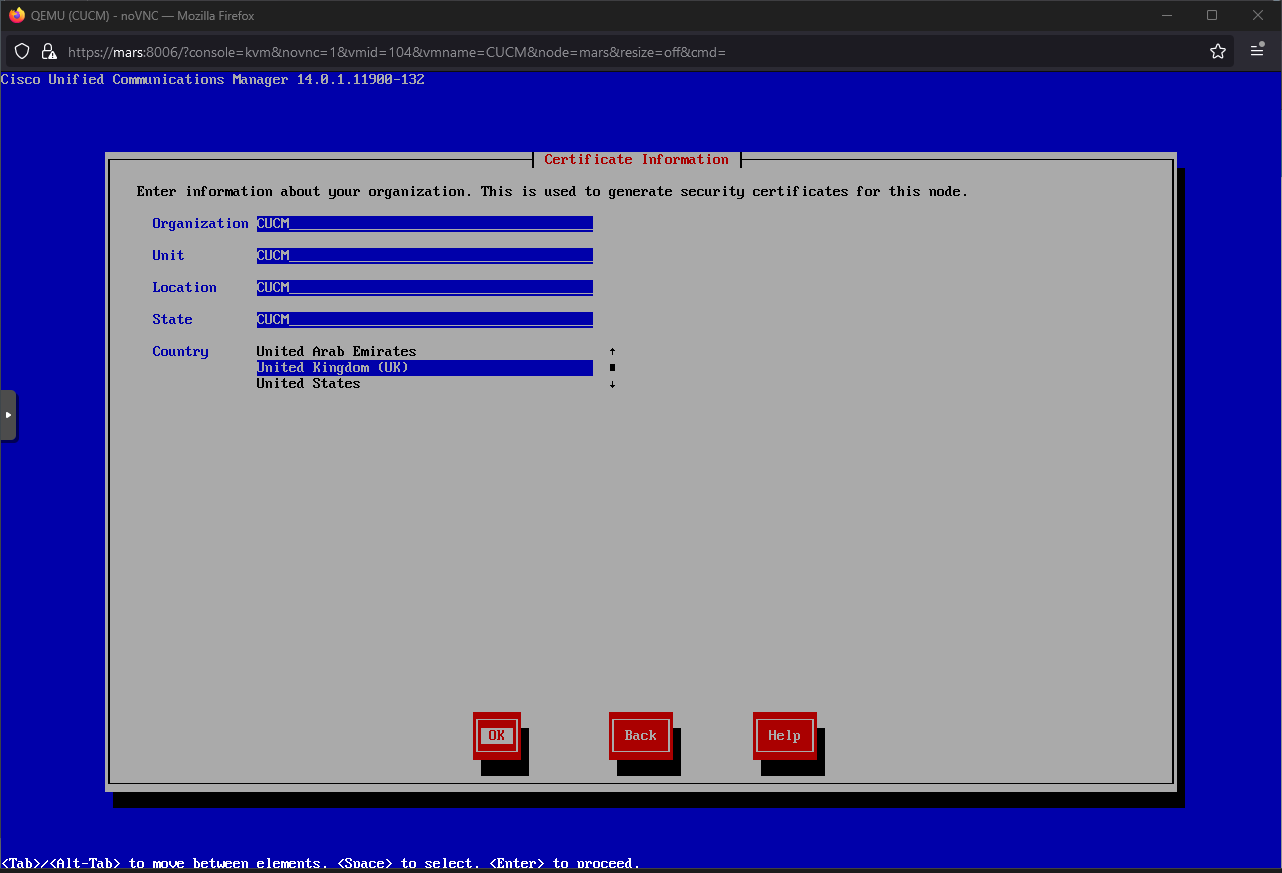 Yes
Yes
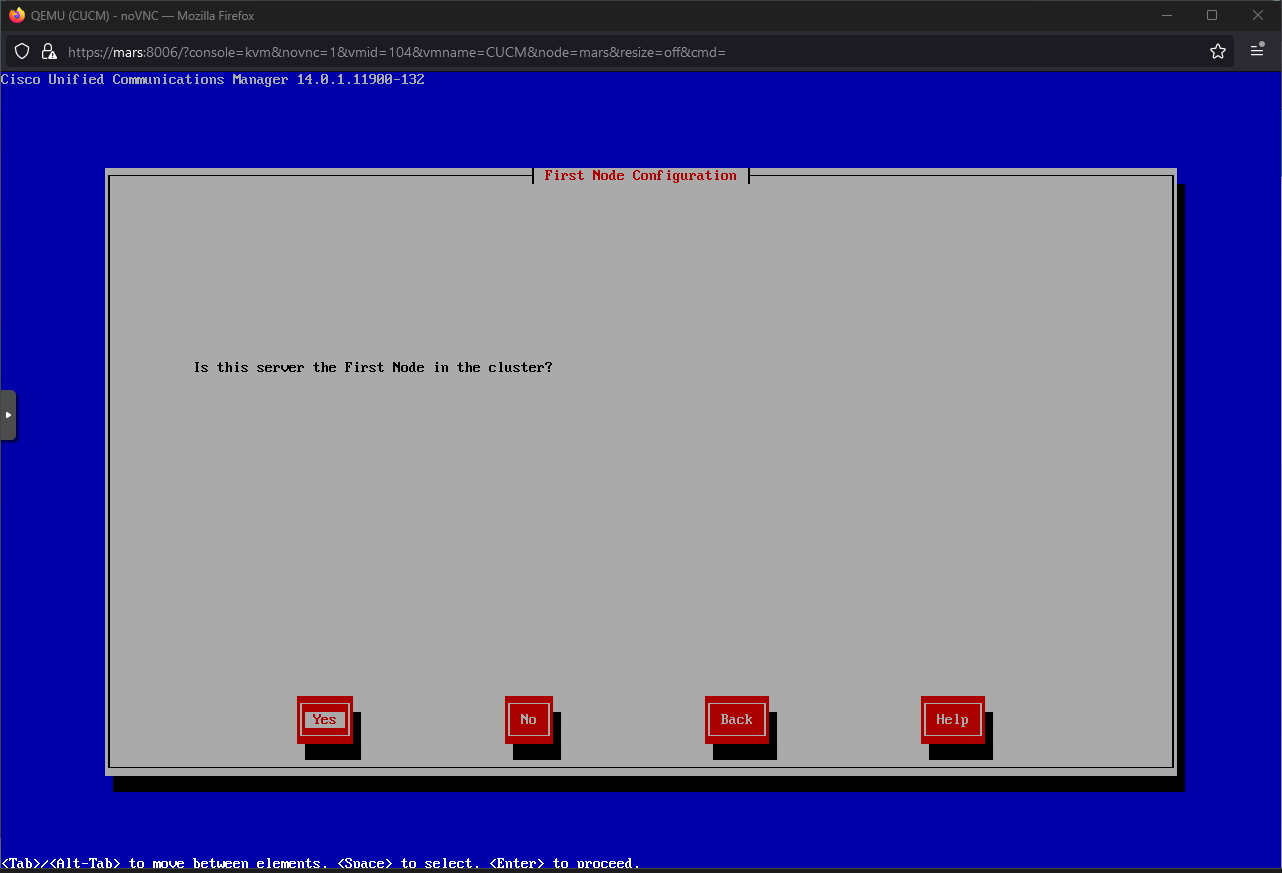 Yes
Yes
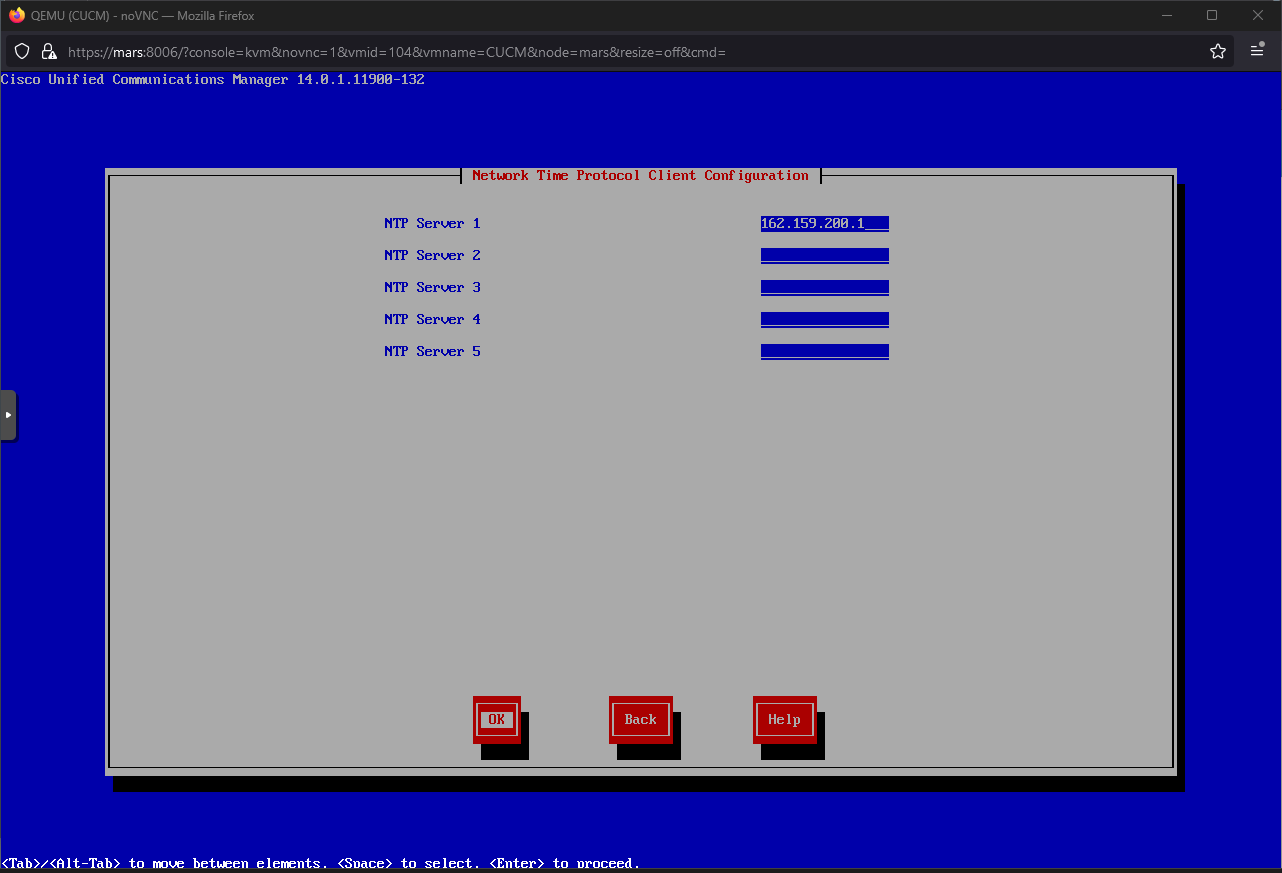
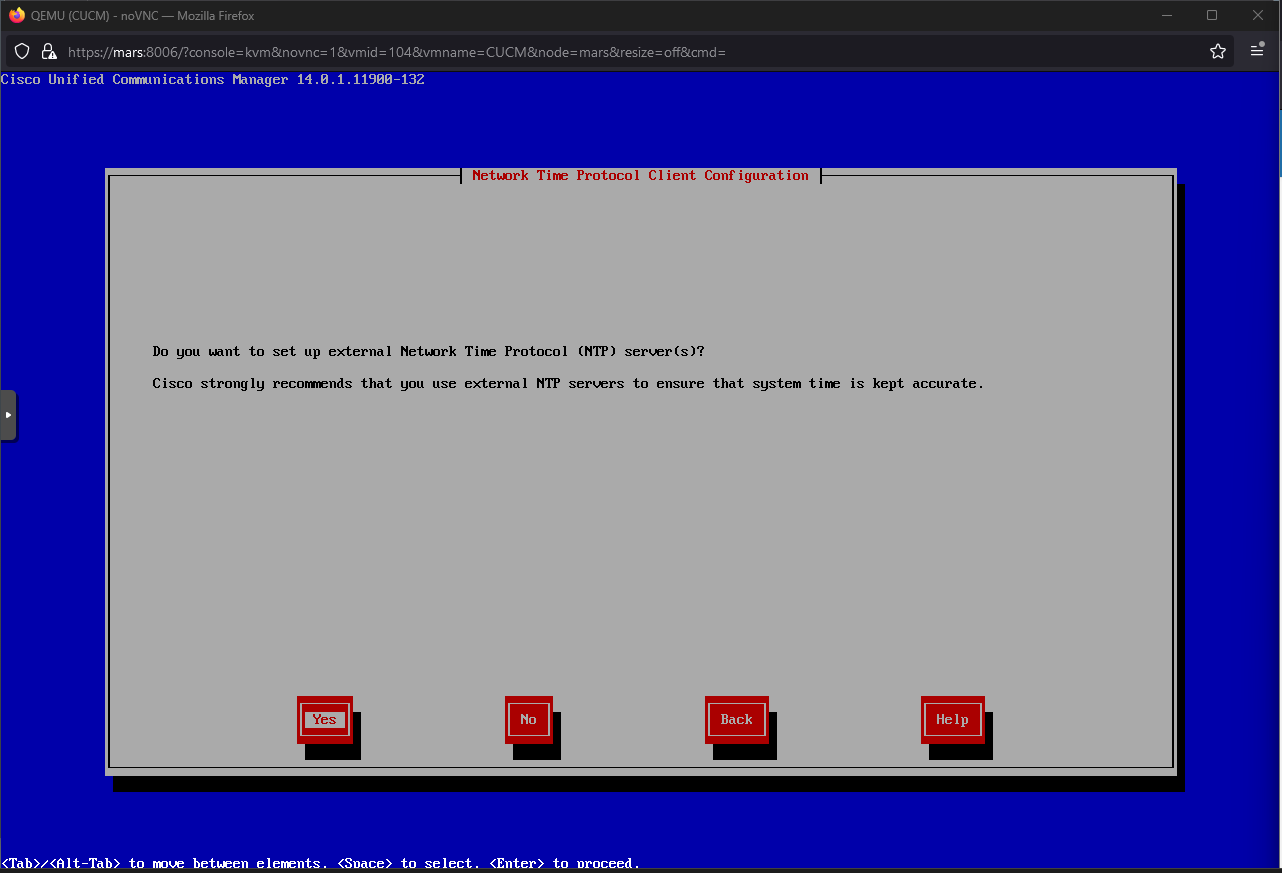 162.159.200.1 (time.cloudflare.com) -> OK
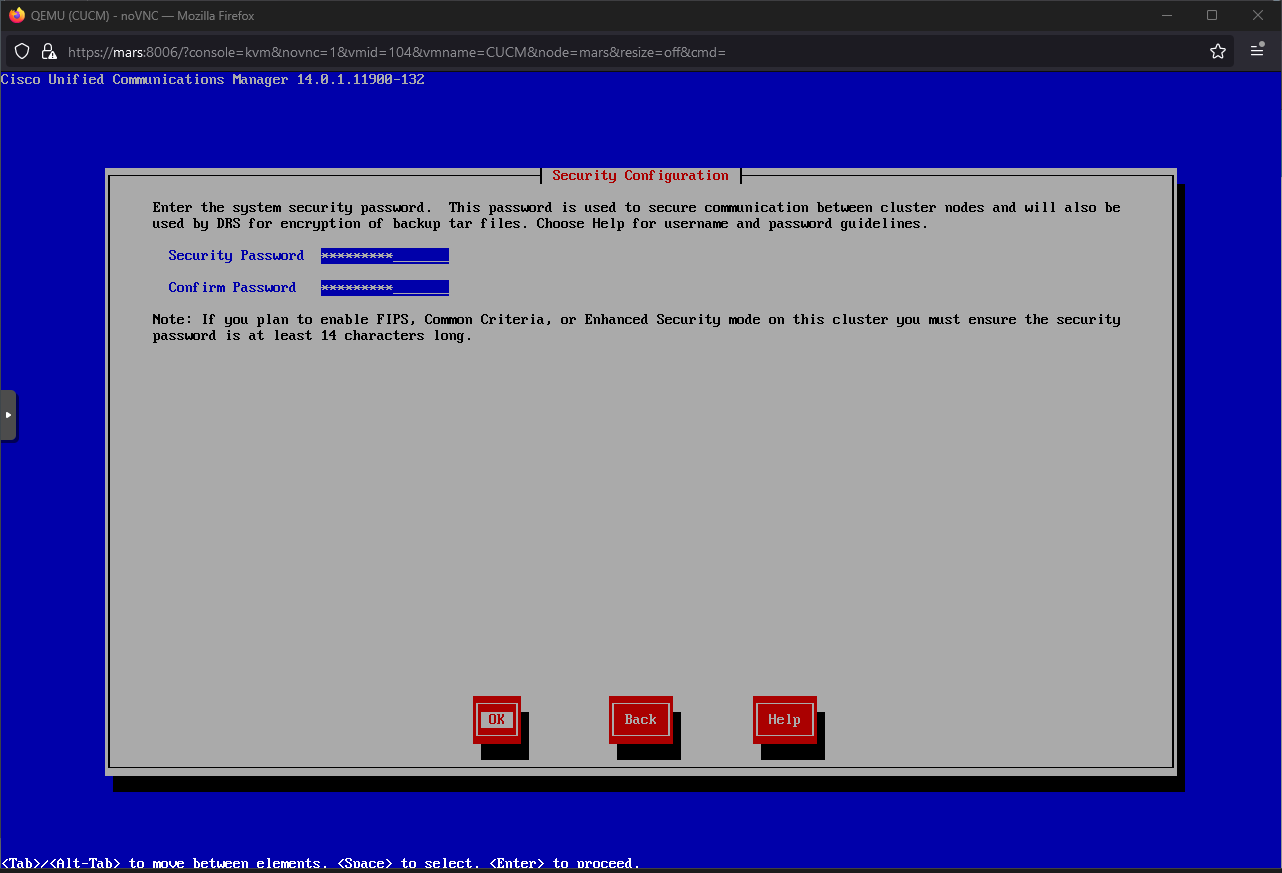
 Configure password -> OK
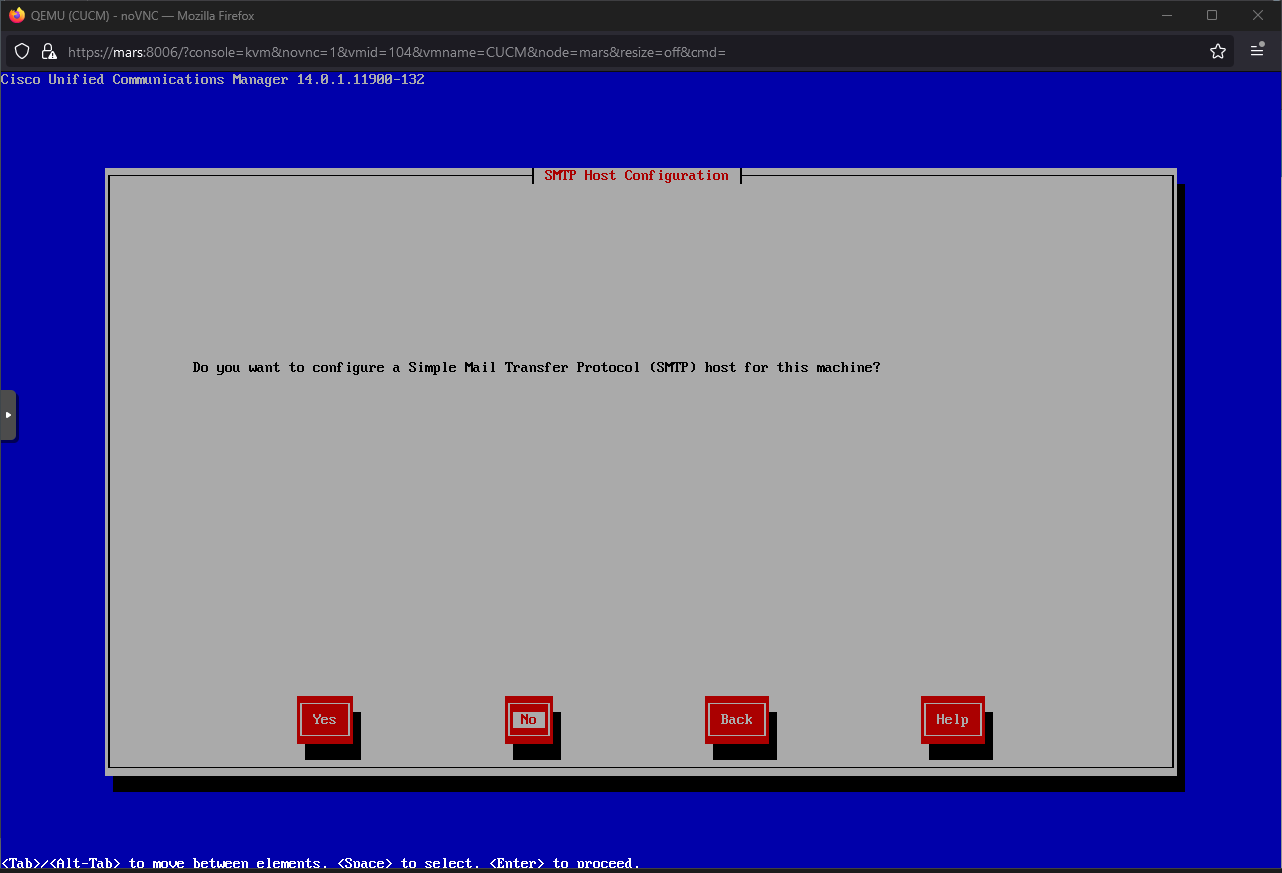
 No
No
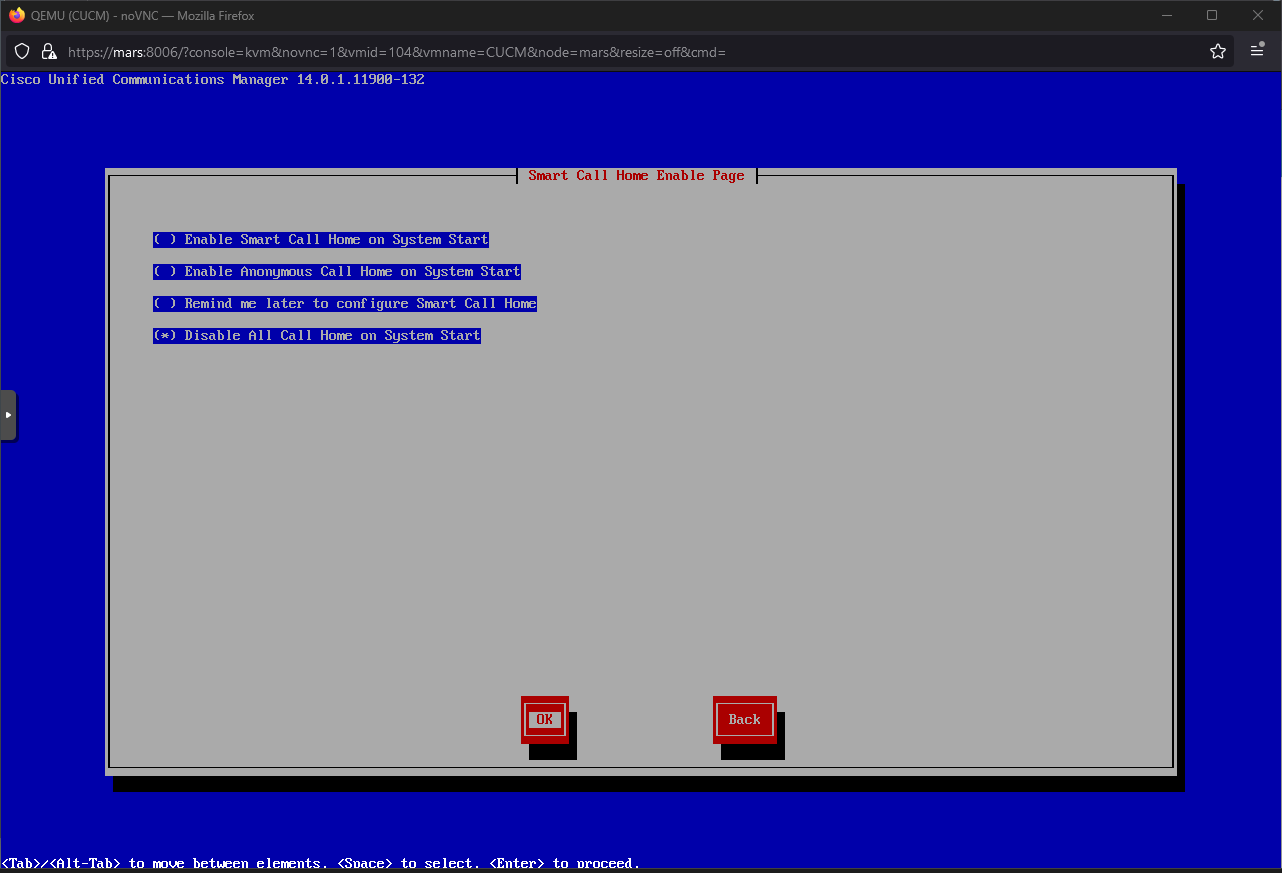
 Disable All Call Home on System Start -> OK
 Configure credentials -> OK
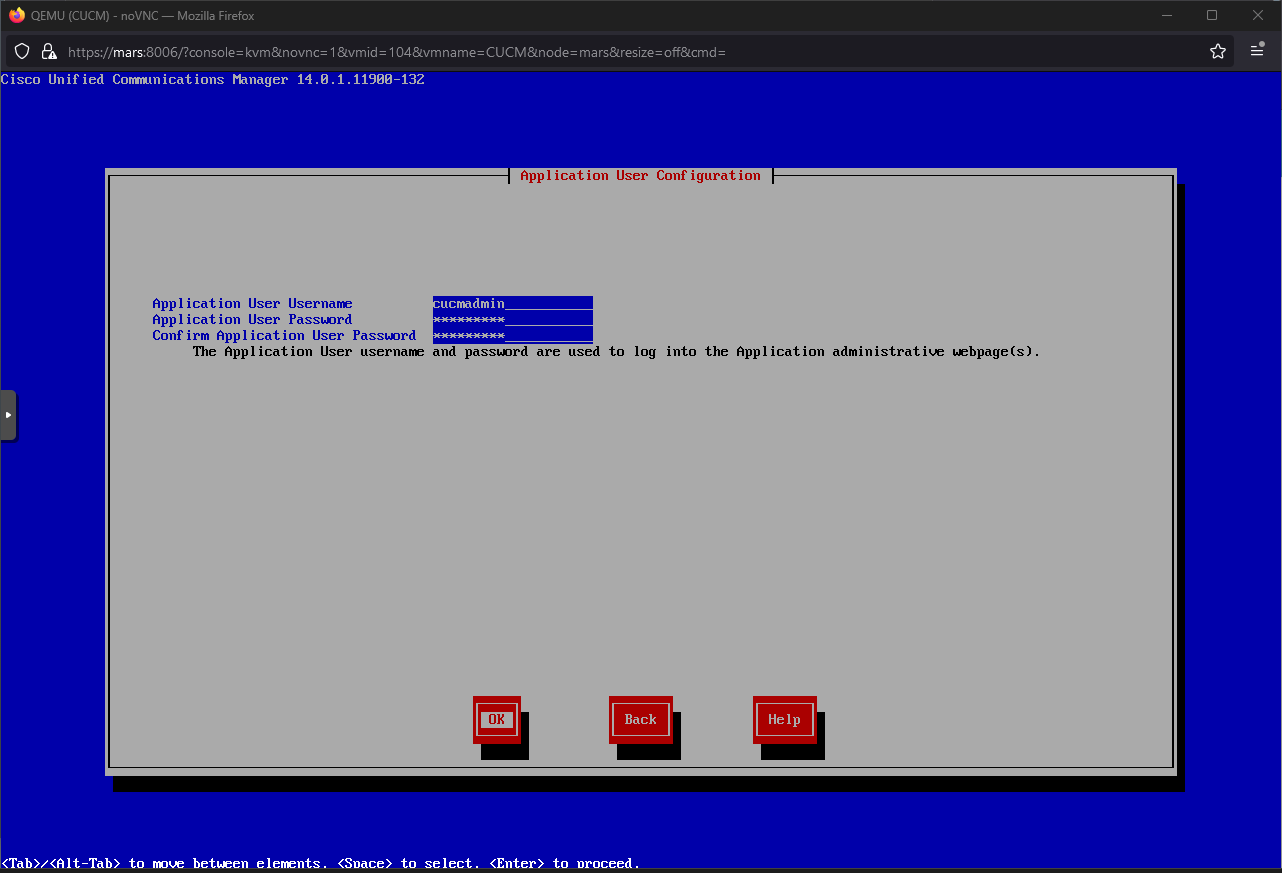 OK
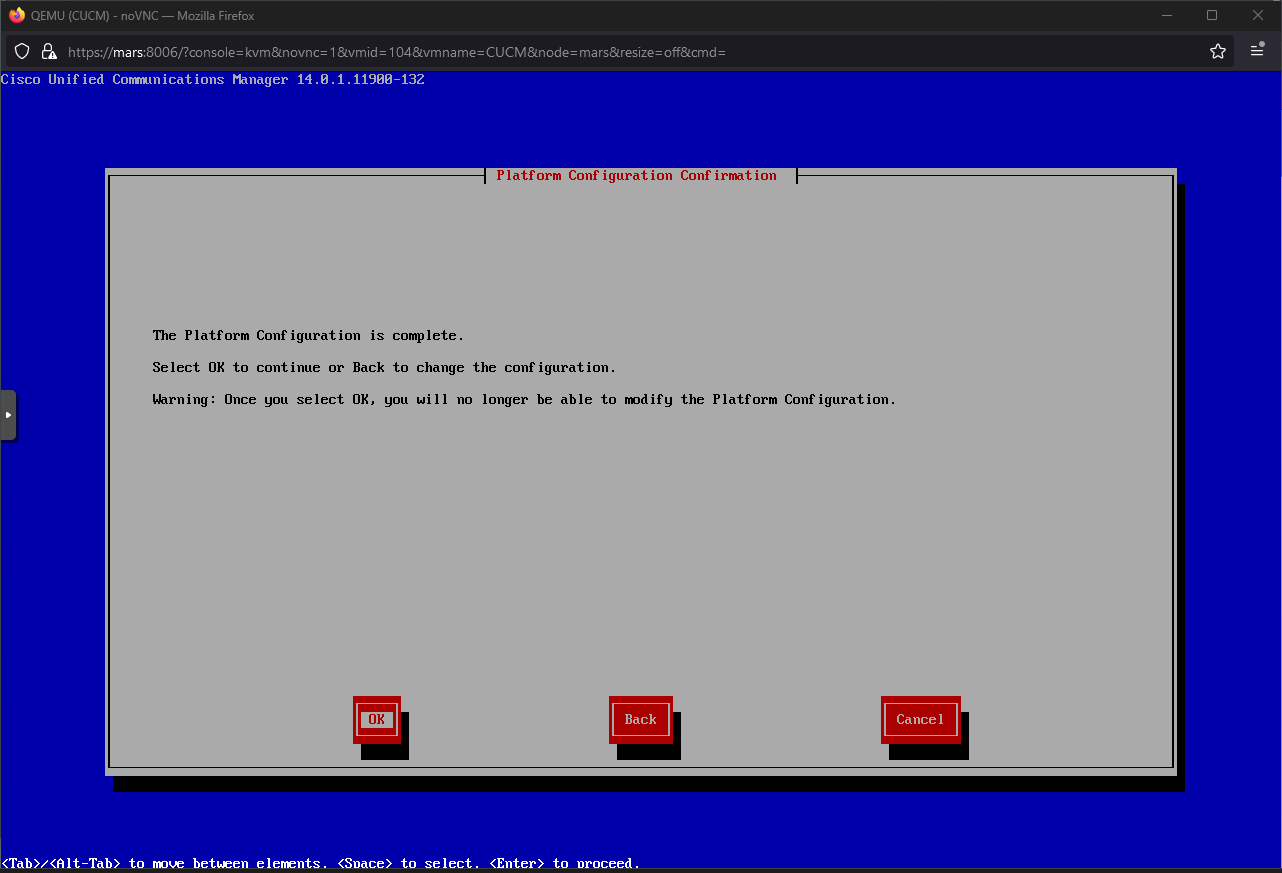
OK